Publication types
Label each publication as an article, a book chapter, a thesis and so on, and show the types on your site.
Each publication can have a Type: journal article, conference paper, book, book chapter, edited book, thesis, report, preprint or other. Setting it is optional, and it is available on every plan.
Set a type
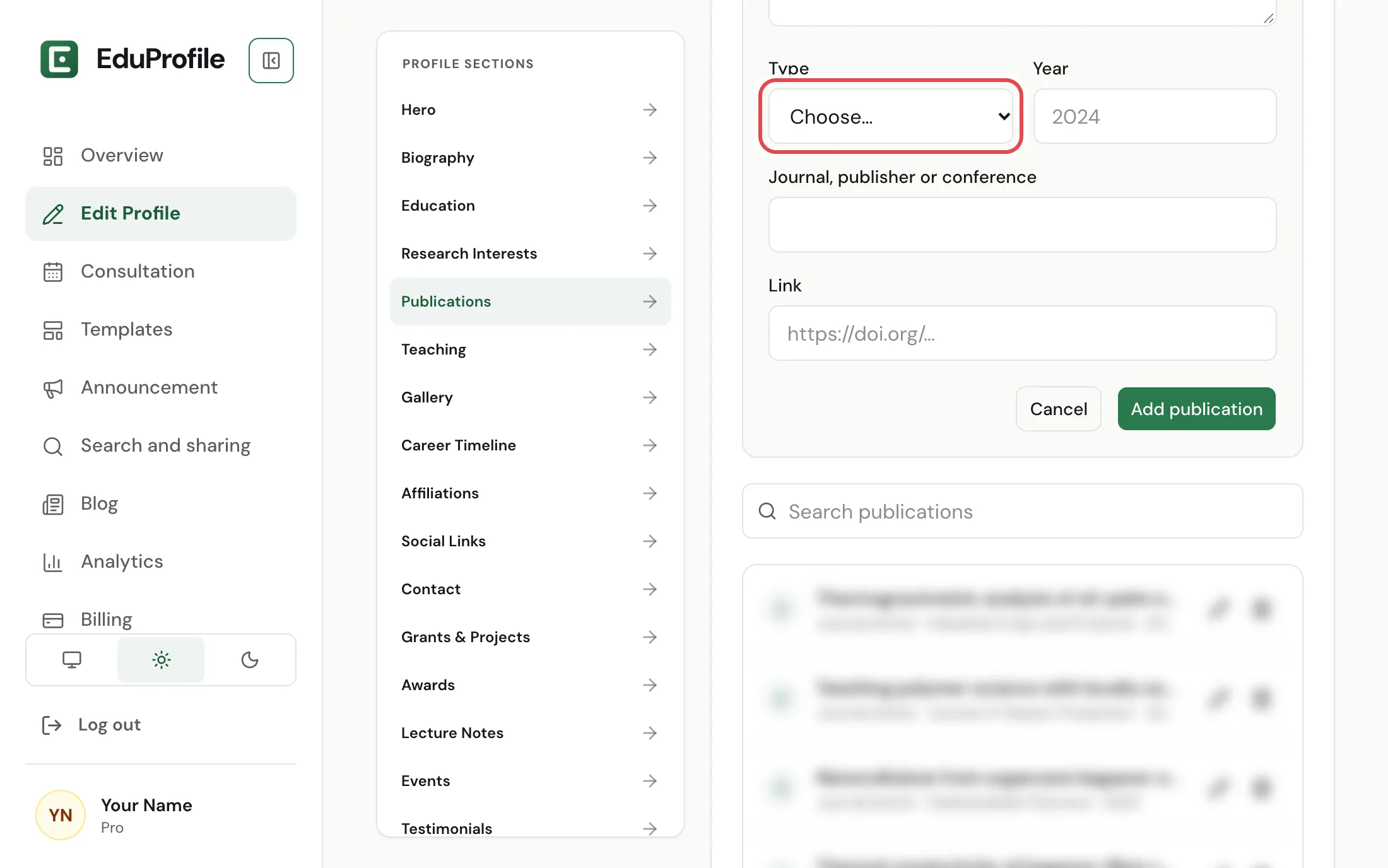
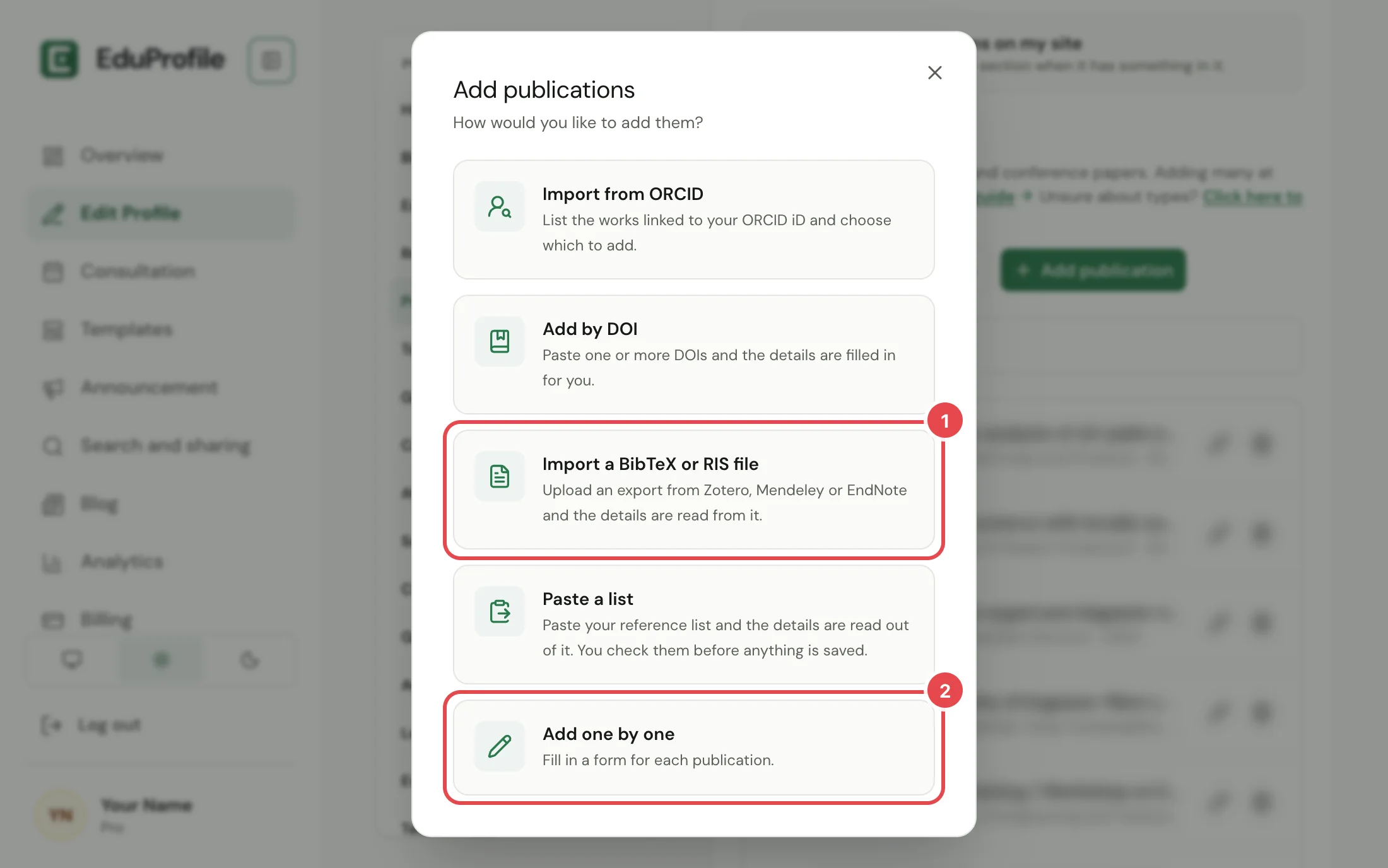
Open Edit Profile, Publications. Choose Add publication, then Add one by one, and pick a Type in the form. To change the type of one you already have, press the pencil beside it.
When a type is filled in for you
Imports fill in the type only when the source says what it is, so nothing is guessed:
- BibTeX and RIS files use the entry type in the file.
- DOI lookups and ORCID imports use the type reported by Crossref, DataCite or OpenAlex.
- A CV upload sets a type only when the CV makes it clear.
- Pasted lists never get a type. Add it afterwards if you want one.
A publication with no type is shown as before. You can set types on the review screen of an import, before anything is saved. See Add publications in bulk.
What visitors see
On your publications page, the type is shown in front of the journal or publisher. When your list has at least two different types, visitors also get:
- a row of type chips to show only articles, only book chapters and so on, and
- a Group by choice, to arrange the list by year or by type.
A list with only one kind of publication, or with no types set, shows neither.
In your CV and your data
The type is included in your downloadable CV and in the file you get from Download my data.
Still stuck? Contact us.
Version v0.1.54